âš  Annual Subscription (AMS) is required for all software purchases.

Key ProgrammingMileage calbrationModule AdaptationSoftware Products

Immobilizer Data Extraction from RH850/V850 MCU dump for VAG vehicles (with non-Immo 5 VDO/JCI MQB Instrument Cluster)

SKU: VN021

$475.00

Using the VN021 you can write Immo Data and the mileage onto VAG MQB dashboards with RH850 processors

- +

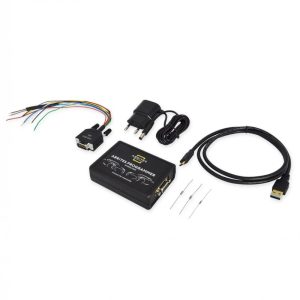
The VN021 license allows extracting the Immobilizer data from dump of RH850 processors, used in VAG MQB dashboards with Megamos-AES keys. Upon reading the RH850 processor using the ABRITES Programmer, CS, MAC, Keys, and PowerClass information is visualised in the software. Using the VN021 you can write Immo Data and the mileage onto VAG MQB dashboards with RH850 processors. This means unlimited reading and writing abilities for all types of RH850 processors in VAG MQB dashboards using the ABRITES RH850/V850 Programmer. It is also valid for V850 processors. This data can then be used for adding a spare key to the vehicle. It can also be used to exchange the instrument cluster, which requires extracting Immo data from both the replacement module, and the donor one. This functionality is ideal for dashboard exchange and retrofitting purposes! The VN021 allows you to exchange analogue for digital dashboards in vehicles equipped with dashboards using RH850 and V850 processors.

Functionalities:

  • Reading Immo data from dump of RH850/V850 processors in VAG MQB dashboards
  • Writing Immo data on RH850/V850 processors in VAG MQB dashboards
  • Mileage recalibration, including RH850 dashboards (for replacement purposes)
  • Spare key addition
  • Instrument cluster exchange
  • Retrofit

Supported VAG vehicles with the following dashboards:

  • VDO MQB Analogue RH850
  • VDO MQB Virtual Cockpit RH850
  • VDO MQB Analogue V850
  • VDO MQB Virtual Cockpit V850
  • JCI MQB Analogue V850
Abrites Diagnostics for VAG Online - Download Manual

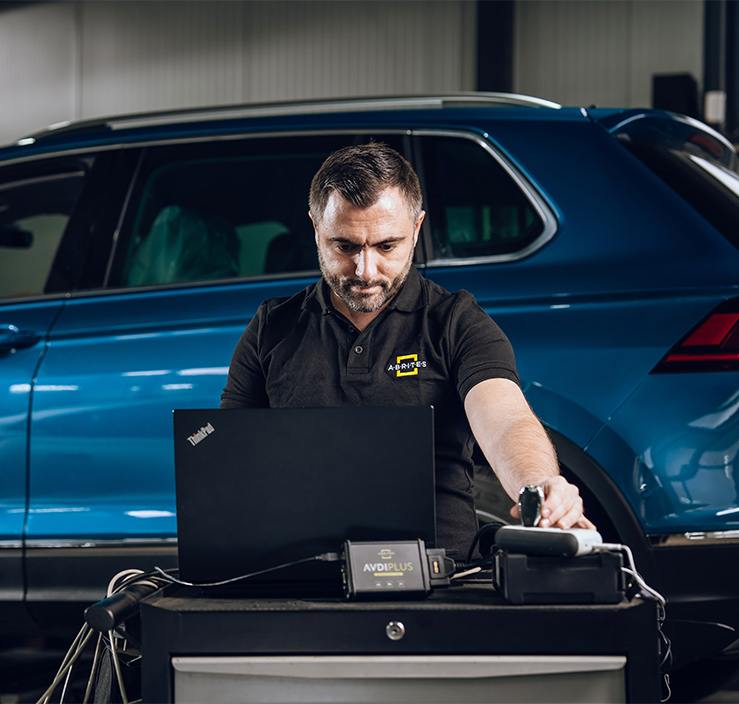
How AVDI Enhances Your Diagnostic Workflow

Discover the powerful features that make AVDI the go-to diagnostic tool for professionals in the automotive industry.
01

Connect AVDI to Your Vehicle:

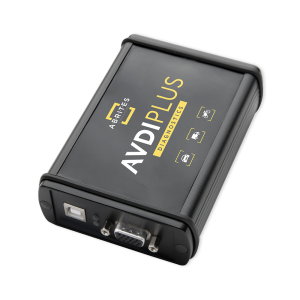
Quickly establish a connection with any supported vehicle using the provided cables.
02

Run Diagnostics or Program Modules:

Conduct fault code checks, diagnostics, and module adaptations using AVDI’s user-friendly software.
03

Receive Instant Software Updates:

Stay on top of the latest developments with automatic updates directly from ABRITES, ensuring that your diagnostic capabilities are always current.
deco-dots-dark-right

What Professionals Say About Abrites

Trusted worldwide by experts for automotive diagnostic software and tools.
Car shop using Abrites software

We had an amazing experience with this company!

READ FULL TESTIMONIAL

We had an amazing experience with this company!

We highly recommend them to anyone looking for quality products and excellent service.

Abrites client
Specialist scanning a car with AVDI plus software

I have been your client for over 10 years.

READ FULL TESTIMONIAL

I have been your client for over 10 years.

You have a great team, excellent customer service, and the quality of service is at the highest possible level.

Thank you very much, and best regards!

Abrites client
Specialist reading AVDI software

I feel good about the service I received from you.

READ FULL TESTIMONIAL

I feel good about the service I received from you.

ABRITES is a good software, and it does exactly what it promises to do, unlike other machines that claim to provide the best functions but later fail to deliver.

With ABRITES, you get exactly what you’re going to use.

Thank you!

Abrites client