Hardware ProductsMileage calbration

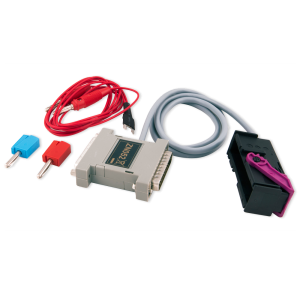
Еmulator for IC223/IC177M Dashboards

SKU: EM019

$60.00

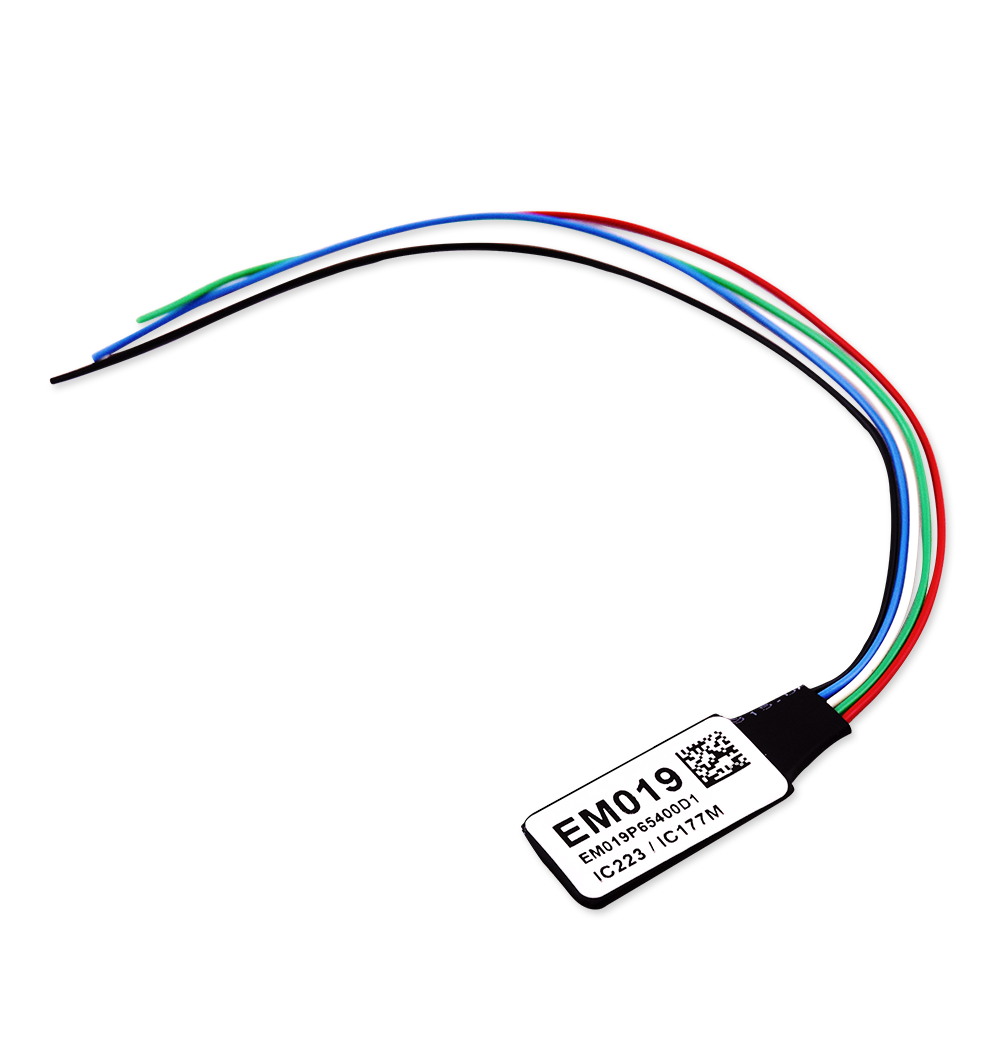
Mandatory emulator for cluster calibration procedures in IC177 M and IC223 dashboards in Mercedes-Benz vehicles. Required for calibration using the MN038 license.

- +

The EM019 emulator is a mandatory emulator for use with the Cluster Calibration IC223 2020+/IC177 M 2023+ (Visteon R7F701529 BGA) license MN038. Functionality:

  • Helps block the synchronization between the EZS and IC

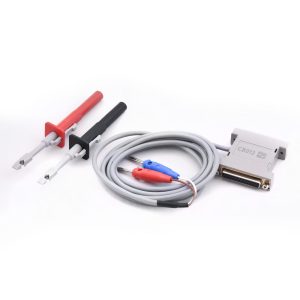
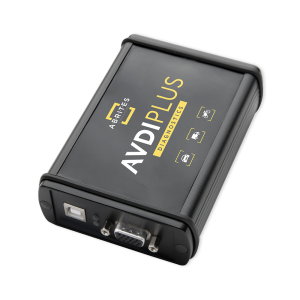
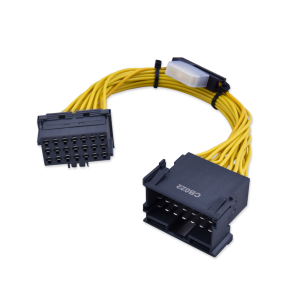
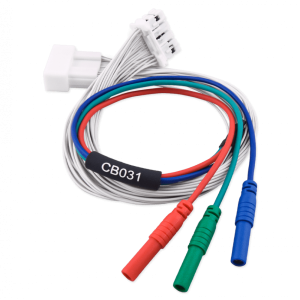
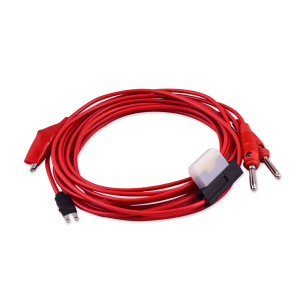
In order to connect and work with the IC223/IC177 M cluster successfully, you will need the ZN085 RH850/V850Programmer and the ZN092 adapter. The EM019 adapter is required to complete the procedure successfully. After the new mileage is written with the help of the RH850 Programmer and CB501 cable, unsolder the CB501 wires and solder the EM019 as shown in the user manual.The emulator is soldered as shown in the RH850/V850 Programmer’s software after the calibration is complete and it is left inside the module. AVDI with active annual subscription is required. The warranty period for this hardware product is 1 year from the date of purchase. This warranty covers defects in materials and workmanship under normal use during the warranty period.


Supported Models: (Same as in MN038 license)

  • W223 S-Class 2020+
  • W206 C-Class Sedan (Saloon) 2021+
  • S206 C-Class Station Wagon (T-model) 2021+
  • V206 C-Class Long Wheelbase Sedan 2021+
  • X206 C-Class All- Terrain 2021+
  • X254 GLC 2022+
  • C254 GLC Coupe 2022+
  • C236 CLE Coupe 2023+
  • A236 CLE Cabriolet 2023+
  • Other models with the IC223, equipped with Visteon R7F701529 BGA processor

Including models after 2023 with IC177 M, equipped with Visteon R7F701529 BGA processor, such as:

  • W177 A-Class
  • W243 B-Class
  • W247 B-Class
  • H243 EQA- Class
  • X243 EQB- Class
  • C118 CLA- Class
  • H247 GLA- Class
  • W167 GLE/ GLS- Class
  • X247 GLB-Class
  • W257 CLS-Class
  • X290 AMG GT Four Door Facelift

How AVDI Enhances Your Diagnostic Workflow

Discover the powerful features that make AVDI the go-to diagnostic tool for professionals in the automotive industry.
01

Connect AVDI to Your Vehicle:

Quickly establish a connection with any supported vehicle using the provided cables.
02

Run Diagnostics or Program Modules:

Conduct fault code checks, diagnostics, and module adaptations using AVDI’s user-friendly software.
03

Receive Instant Software Updates:

Stay on top of the latest developments with automatic updates directly from ABRITES, ensuring that your diagnostic capabilities are always current.
deco-dots-dark-right

What Professionals Say About Abrites

Trusted worldwide by experts for automotive diagnostic software and tools.
Car shop using Abrites software

We had an amazing experience with this company!

READ FULL TESTIMONIAL

We had an amazing experience with this company!

We highly recommend them to anyone looking for quality products and excellent service.

Abrites client
Specialist scanning a car with AVDI plus software

I have been your client for over 10 years.

READ FULL TESTIMONIAL

I have been your client for over 10 years.

You have a great team, excellent customer service, and the quality of service is at the highest possible level.

Thank you very much, and best regards!

Abrites client
Specialist reading AVDI software

I feel good about the service I received from you.

READ FULL TESTIMONIAL

I feel good about the service I received from you.

ABRITES is a good software, and it does exactly what it promises to do, unlike other machines that claim to provide the best functions but later fail to deliver.

With ABRITES, you get exactly what you’re going to use.

Thank you!

Abrites client