âš  Annual Subscription (AMS) is required for all software purchases.

Mileage calbrationSoftware Products

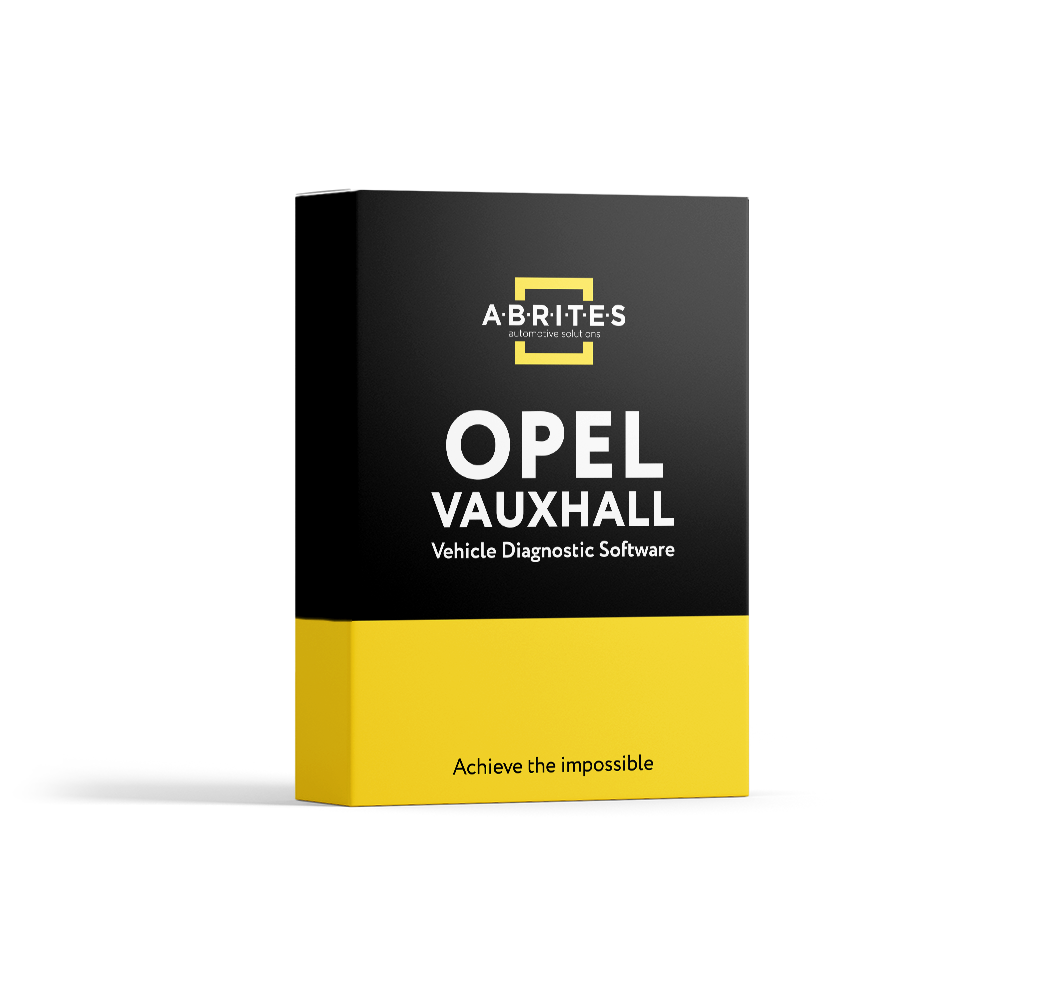
Instrument Cluster and Airbag Data Configuration for GM vehicles

SKU: ON014

$535.00

Advanced Configuration

- +

The ON014 Advanced Configuration is dedicated to cluster calibration of Opel/Vauxhall and GM (General Motors) vehicles. Main functionalities:

  • Cluster Calibration
  • Airbag: Erase Crash Data – SAB6 Siemens HC11
  • Radio: Read Code, Reset Counter – Delco CDR500

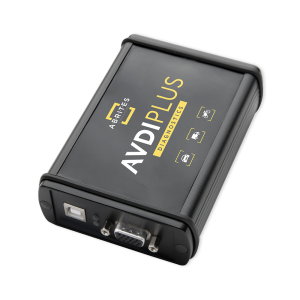
An AVDI interface with an active annual subscription is required.

Supported Models: Chevrolet:

  • Captiva – Engine Bosch EDC16C39
  • Cruze – Instrument Panel Cluster (IPC) + Body Control Module (BCM)

Opel/Vauxhall:

  • Adam – Instrument Panel Cluster (IPC) + Body Control Module (BCM)
  • Antara – Engine Bosch EDC16E39
  • Astra G – Instrument Panel Cluster (IPC); Engine Bosch PSG16
  • Astra H – Engine Bosch EDC16C9; Engine Bosch Motronic 7.6.x; Engine Delco MT35
  • Astra J – Engine Dense 1.7 CDTI (A17DTR, A17DTL); Instrument Panel Cluster (IPC) + Body Control Module (BCM)
  • Corsa C – Instrument Panel Cluster (IPC)
  • Corsa D – Engine Bosch Motronic 7.6.x
  • Insignia A – Instrument Panel Cluster (IPC) + Body Control Module (BCM)
  • Insignia B – Instrument Panel Cluster (IPC) + Body Control Module (BCM)
  • Meriva – Instrument Panel Cluster (IPC)
  • Meriva B – Instrument Panel Cluster (IPC) + Body Control Module (BCM)
  • Mokka – Instrument Panel Cluster (IPC) + Body Control Module (BCM)
  • Movano B – Instrument Panel Cluster (IPC)
  • Vectra B – Instrument Panel Cluster (IPC)
  • Vectra C/Signum – Engine Bosch EDC16C9, Engine Bosch PSG16, Engine Delco MT35, Engine Denso 3.0 CDTI (Z30DT)
  • Zafira – Instrument Panel Cluster (IPC), Engine Bosch PSG16
  • Zafira B – Engine Bosch EDC16C9, Engine Bosch PSG16, Engine Delco MT35
  • Zafira C – Instrument Panel Cluster (IPC) + Body Control Module (BCM)
Abrites Diagnostics for GM - Download Manual

How AVDI Enhances Your Diagnostic Workflow

Discover the powerful features that make AVDI the go-to diagnostic tool for professionals in the automotive industry.
01

Connect AVDI to Your Vehicle:

Quickly establish a connection with any supported vehicle using the provided cables.
02

Run Diagnostics or Program Modules:

Conduct fault code checks, diagnostics, and module adaptations using AVDI’s user-friendly software.
03

Receive Instant Software Updates:

Stay on top of the latest developments with automatic updates directly from ABRITES, ensuring that your diagnostic capabilities are always current.
deco-dots-dark-right

What Professionals Say About Abrites

Trusted worldwide by experts for automotive diagnostic software and tools.
Car shop using Abrites software

We had an amazing experience with this company!

READ FULL TESTIMONIAL

We had an amazing experience with this company!

We highly recommend them to anyone looking for quality products and excellent service.

Abrites client
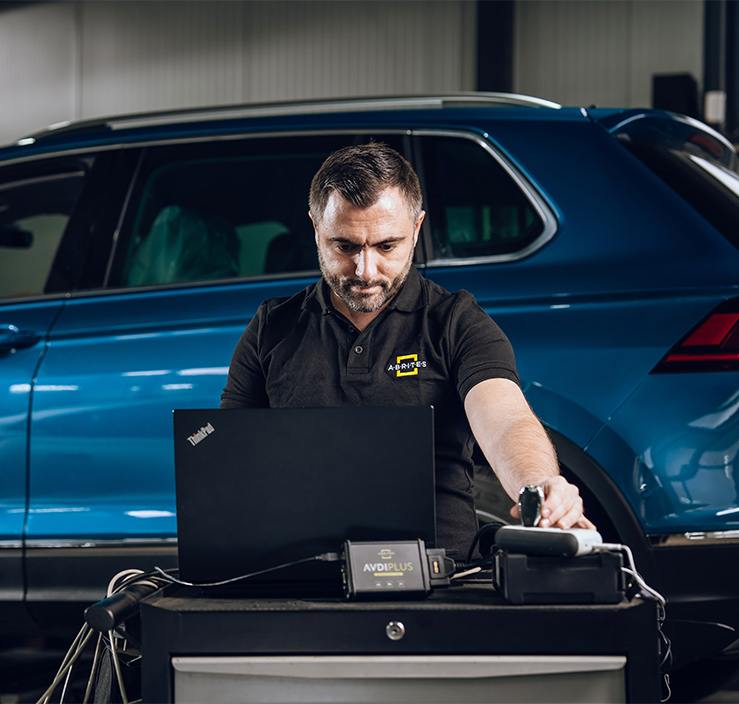
Specialist scanning a car with AVDI plus software

I have been your client for over 10 years.

READ FULL TESTIMONIAL

I have been your client for over 10 years.

You have a great team, excellent customer service, and the quality of service is at the highest possible level.

Thank you very much, and best regards!

Abrites client
Specialist reading AVDI software

I feel good about the service I received from you.

READ FULL TESTIMONIAL

I feel good about the service I received from you.

ABRITES is a good software, and it does exactly what it promises to do, unlike other machines that claim to provide the best functions but later fail to deliver.

With ABRITES, you get exactly what you’re going to use.

Thank you!

Abrites client