Annual Subscription (AMS) is required for all software purchases.

Software Products

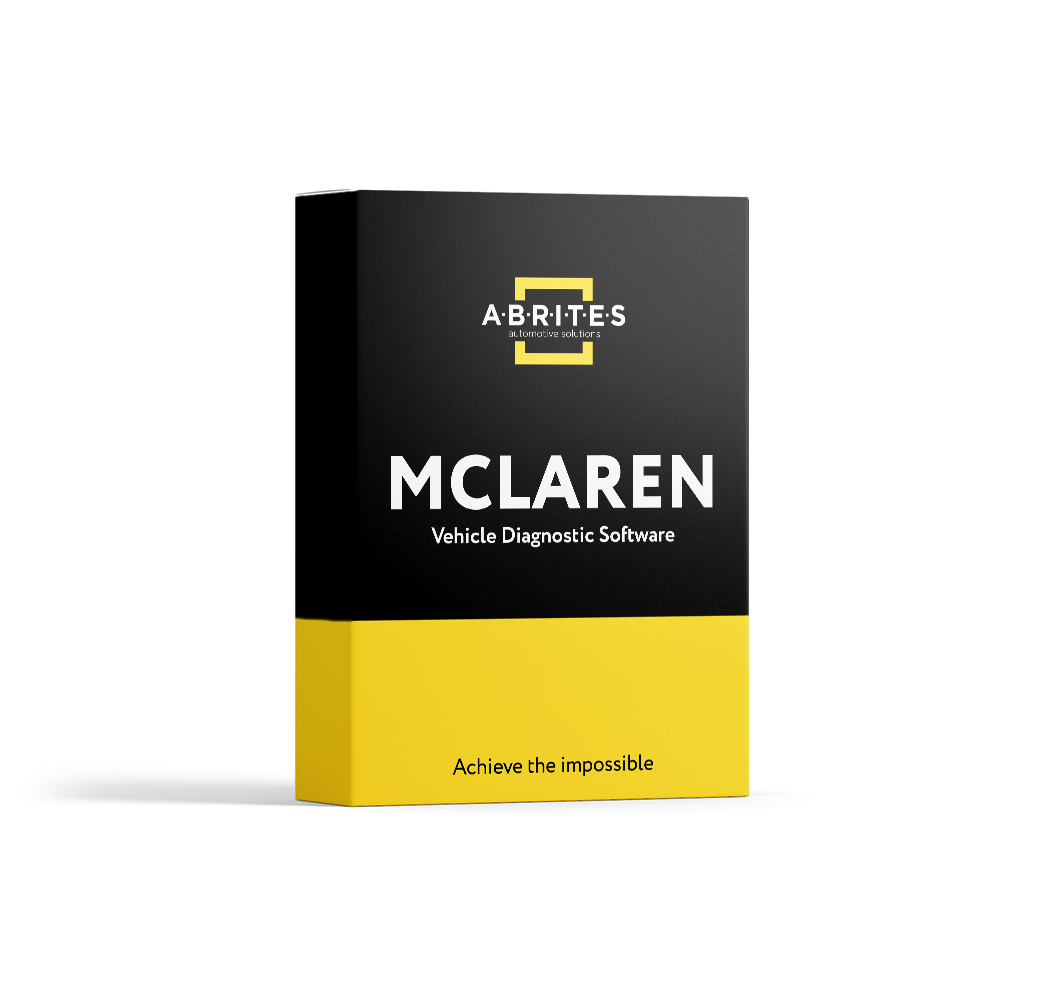
ADI (Instrument Cluster and Display) Configuration for McLaren Vehicles

SKU: ML002

$1,180.00

All-new Abrites solution for configuring instrument clusters in all McLaren models all by OBDII.

- +

This is the Abrites software for configurating the ADI UI (instrument cluster and display) in McLaren vehicles by OBD. It allows you to change the region of the vehicle, switch units of measurement, activate smartphone app connectivity (CarPlay, Spotify, browser), colour scheme and more in the Advanced Driver Interface! The ADI (Advanced Driver Interface) module manages the user interface in the instrument cluster and the display and can be configured directly by OBD.

All-Abrites solution for McLaren! All by OBD! No third-party tools required!   Functionalities for ADI configuration:

  • Measurement units change
  • Gauge customisation
  • CarPlay/Spotify/browser connectivity and accessibility
  • Colour scheme configuration
  • And more!

For the full list of functionalities, see Technical Specification tab.   Supported vehicles:

  • All McLaren models

ADI UI configuration (Instrument cluster and display):

  • Measurement units change
  • Gauge customisation
  • CarPlay / Spotify / browser connectivity and accessibility
  • Colour scheme configuration
  • Valet Mode PIN reset
  • Radio configuration
  • Speaker system test
  • Engine oil level
  • Adapt display calibration
  • Read ADI configuration data

Supported models:

  • McLaren MP4-12C
  • McLaren 540C
  • McLaren 570S
  • McLaren 600LT
  • McLaren 650S
  • McLaren 625C
  • McLaren 620R
  • McLaren 675LT
  • McLaren 720S
  • McLaren 750S
  • McLaren 765LT
  • McLaren Elva
  • McLaren Senna
  • McLaren GT
  • McLaren Speedtail
  • McLaren P1
  • And all variations of the models listed above (Spyder, GTR, etc.)
Abrites Diagnostics for McLaren - Download Manual

How AVDI Enhances Your Diagnostic Workflow

Discover the powerful features that make AVDI the go-to diagnostic tool for professionals in the automotive industry.
01

Connect AVDI to Your Vehicle:

Quickly establish a connection with any supported vehicle using the provided cables.
02

Run Diagnostics or Program Modules:

Conduct fault code checks, diagnostics, and module adaptations using AVDI’s user-friendly software.
03

Receive Instant Software Updates:

Stay on top of the latest developments with automatic updates directly from ABRITES, ensuring that your diagnostic capabilities are always current.
deco-dots-dark-right

What Professionals Say About Abrites

Trusted worldwide by experts for automotive diagnostic software and tools.
Car shop using Abrites software

We had an amazing experience with this company!

READ FULL TESTIMONIAL

We had an amazing experience with this company!

We highly recommend them to anyone looking for quality products and excellent service.

Abrites client
Specialist scanning a car with AVDI plus software

I have been your client for over 10 years.

READ FULL TESTIMONIAL

I have been your client for over 10 years.

You have a great team, excellent customer service, and the quality of service is at the highest possible level.

Thank you very much, and best regards!

Abrites client
Specialist reading AVDI software

I feel good about the service I received from you.

READ FULL TESTIMONIAL

I feel good about the service I received from you.

ABRITES is a good software, and it does exactly what it promises to do, unlike other machines that claim to provide the best functions but later fail to deliver.

With ABRITES, you get exactly what you’re going to use.

Thank you!

Abrites client