Hardware Products

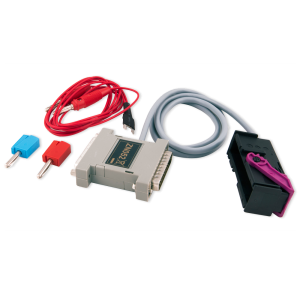
ABRITES Distribution Box Set

SKU: ZN151

$550.00

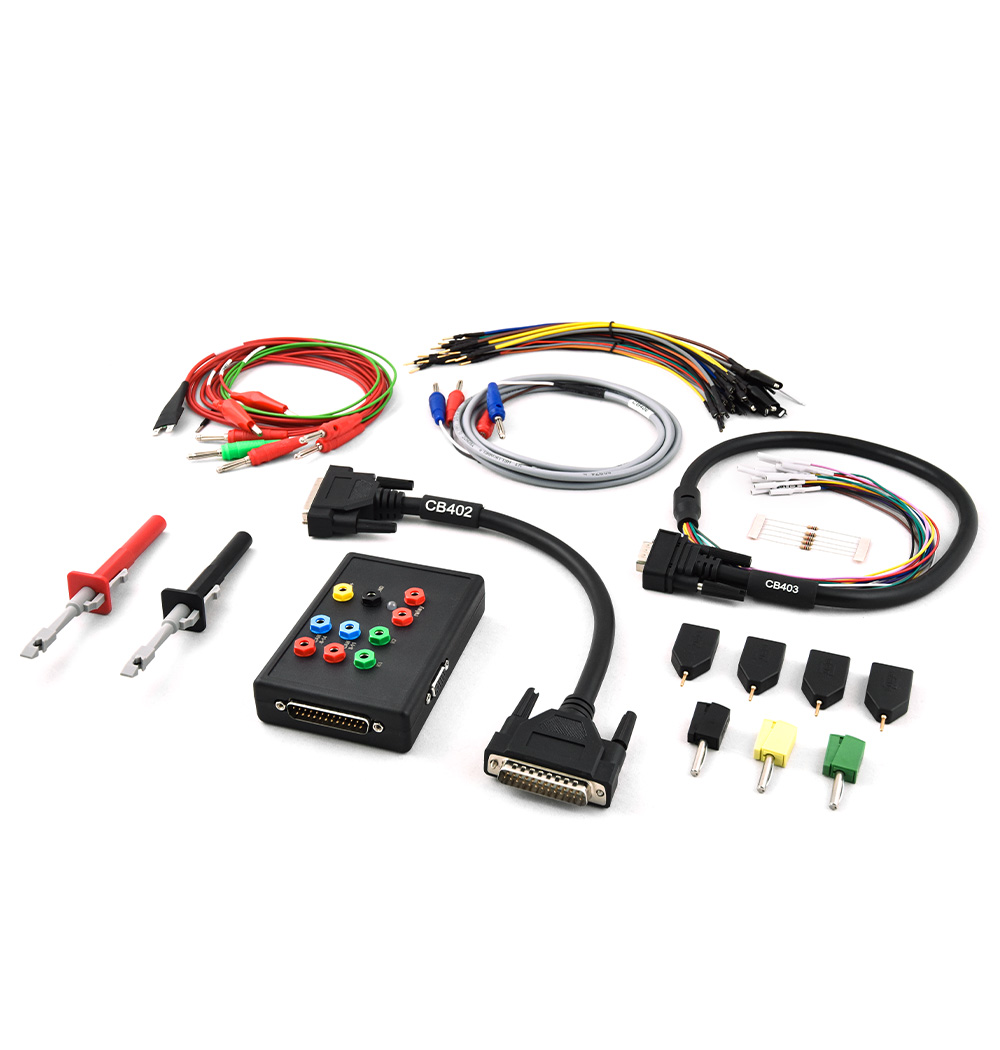
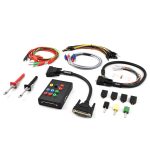
The Distribution Box is convenient for reading/writing electronic control modules, flashes by direct connection and boot mode. working both on bench and in the vehicle. It can be used to connect to CAN and K-Line, as well as provide ground and power (12V – 24V) from external power supply. ZN151 has a set of cables and pins used to connect to different modules, in order to read data, neutralise, virginise, personalise and activate these modules. The tool also has a fuse relay incorporated, allowing fast password extraction from Mercedes-Benz vehicles.

- +

Required products to complete all procedures:

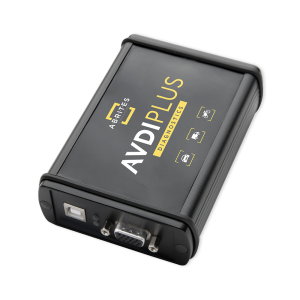
The ZN151 – Abrites Distribution Box Set is a proprietary set of a Distribution box device with accompanying cables and pins, allowing the AVDI to connect to different vehicles and modules, with CAN and K-Line protocols. It provides in-vehicle connection options, as well as bench and boot mode. It is very useful in reading/writing/updating numerous modules, together with the corresponding Abrites software. Very helpful with Mercedes, VAG, ECU Programming, and other software options. Automatically updated with all new functions and features immediately after launching. The ZN151 Distribution Box is a required tool for example, when neutralizing modules from KIA and Hyundai vehicles, programming keys for Mercedes-Benz trucks on bench, learning keys for Setra buses in the vehicle, or extracting password from EZS modules in Mercedes-Benz vehicles.

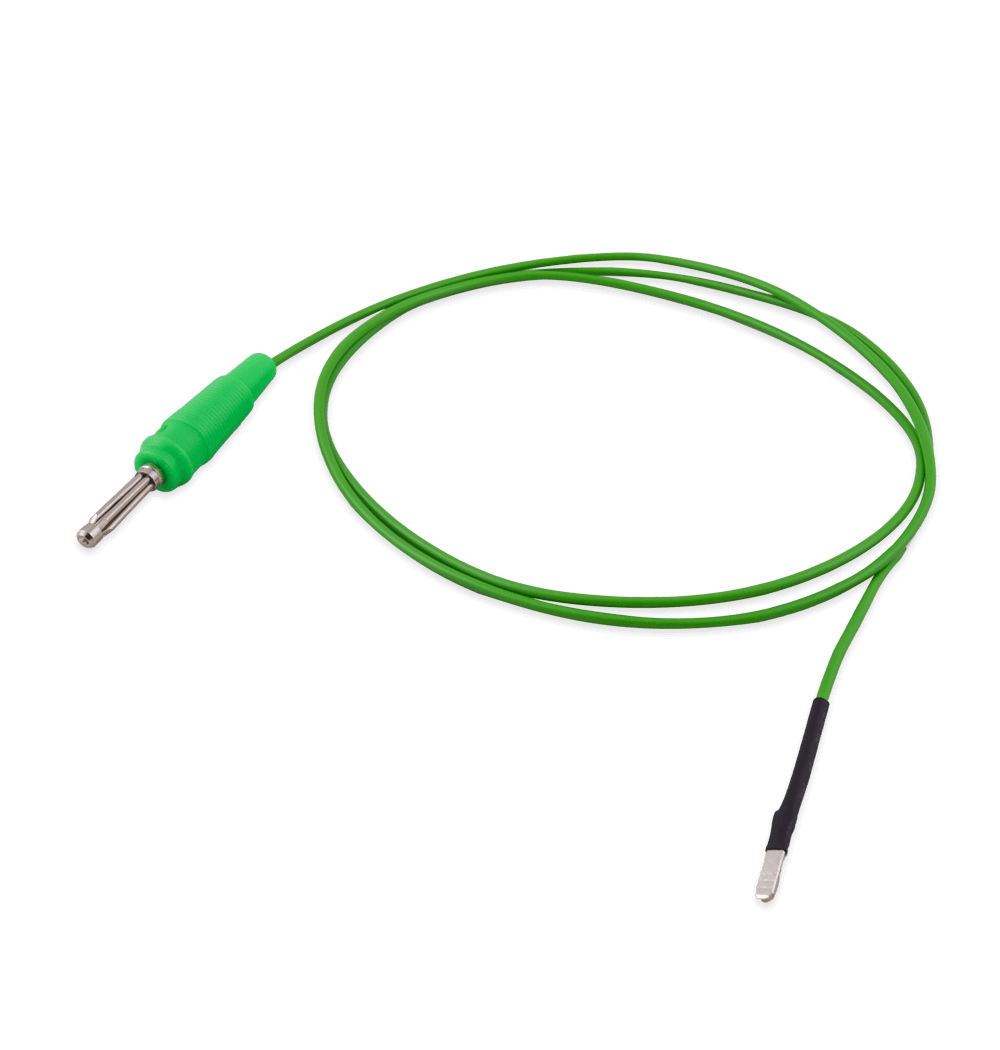
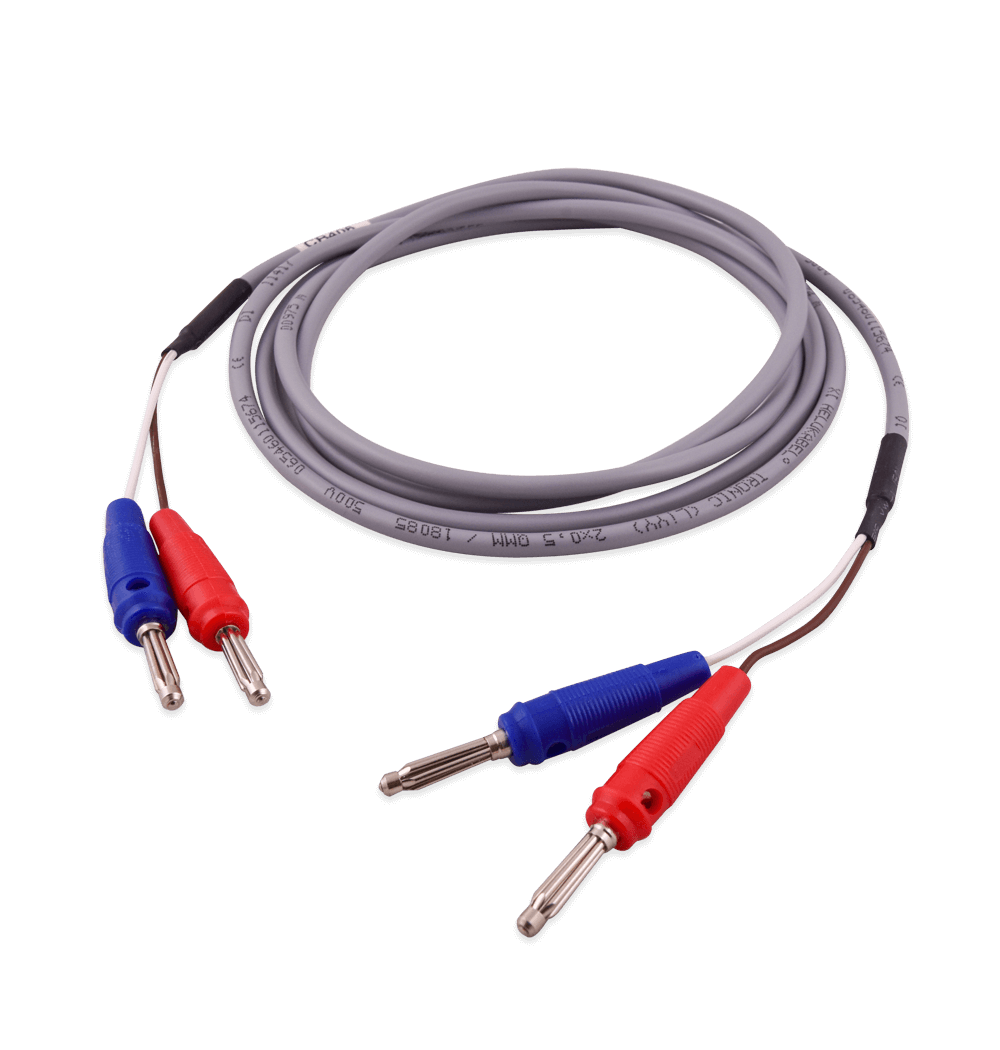
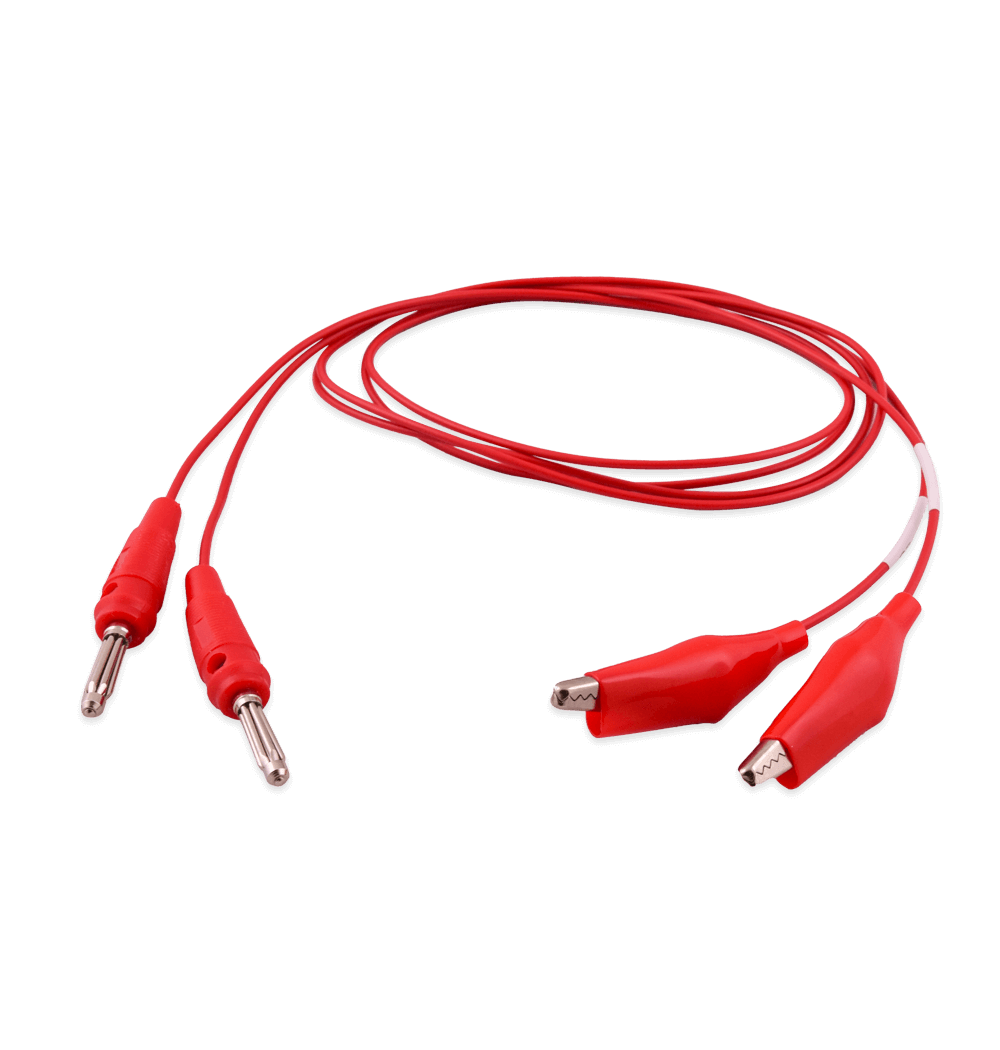
The ZN151 set includes:

  • ZN051 – Distribution Box
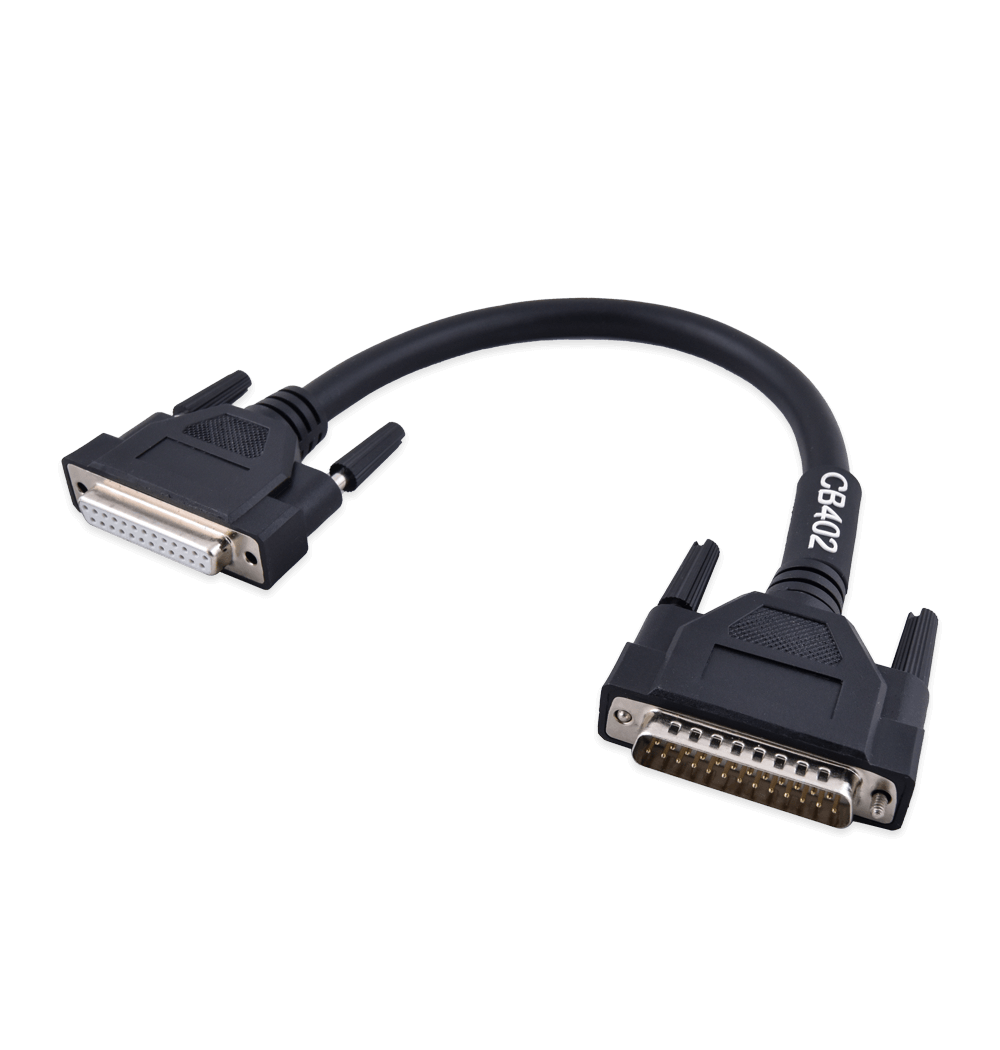
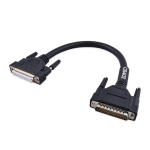
  • CB402 – DS Box 25 pin cable
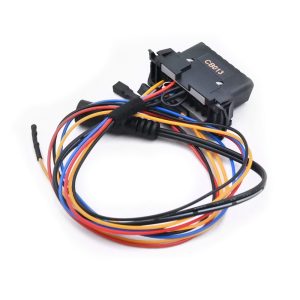
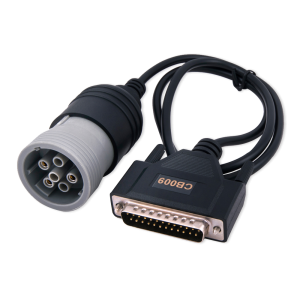
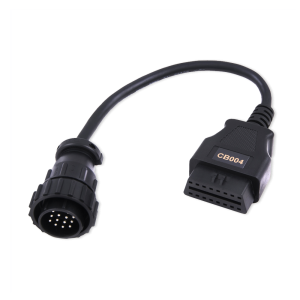
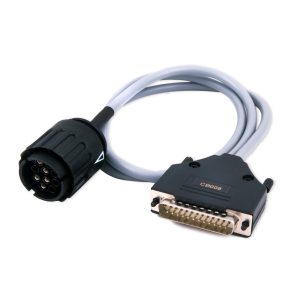
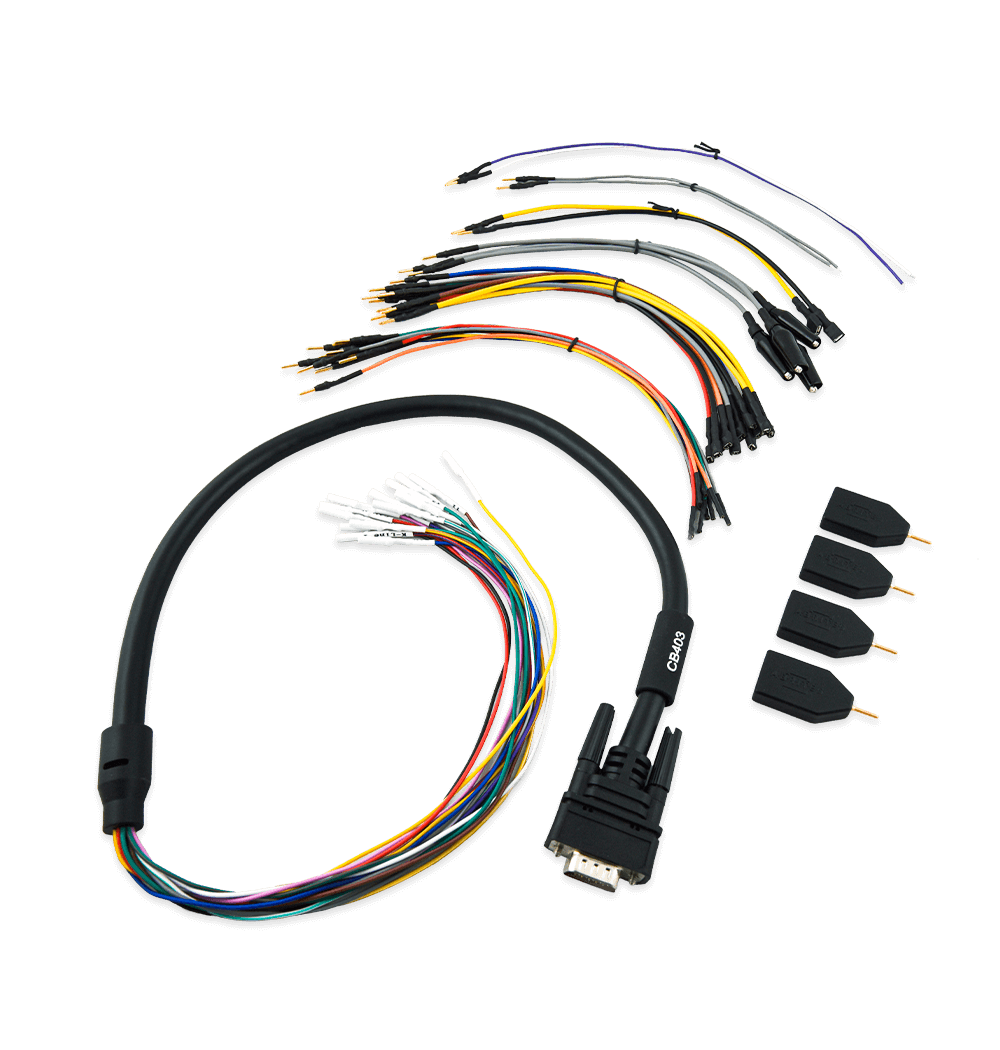
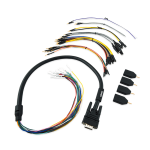
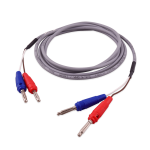
  • CB403 – DS-BOX Extended Cable Set for direct connection with various Automotive/Truck modules on Bench work
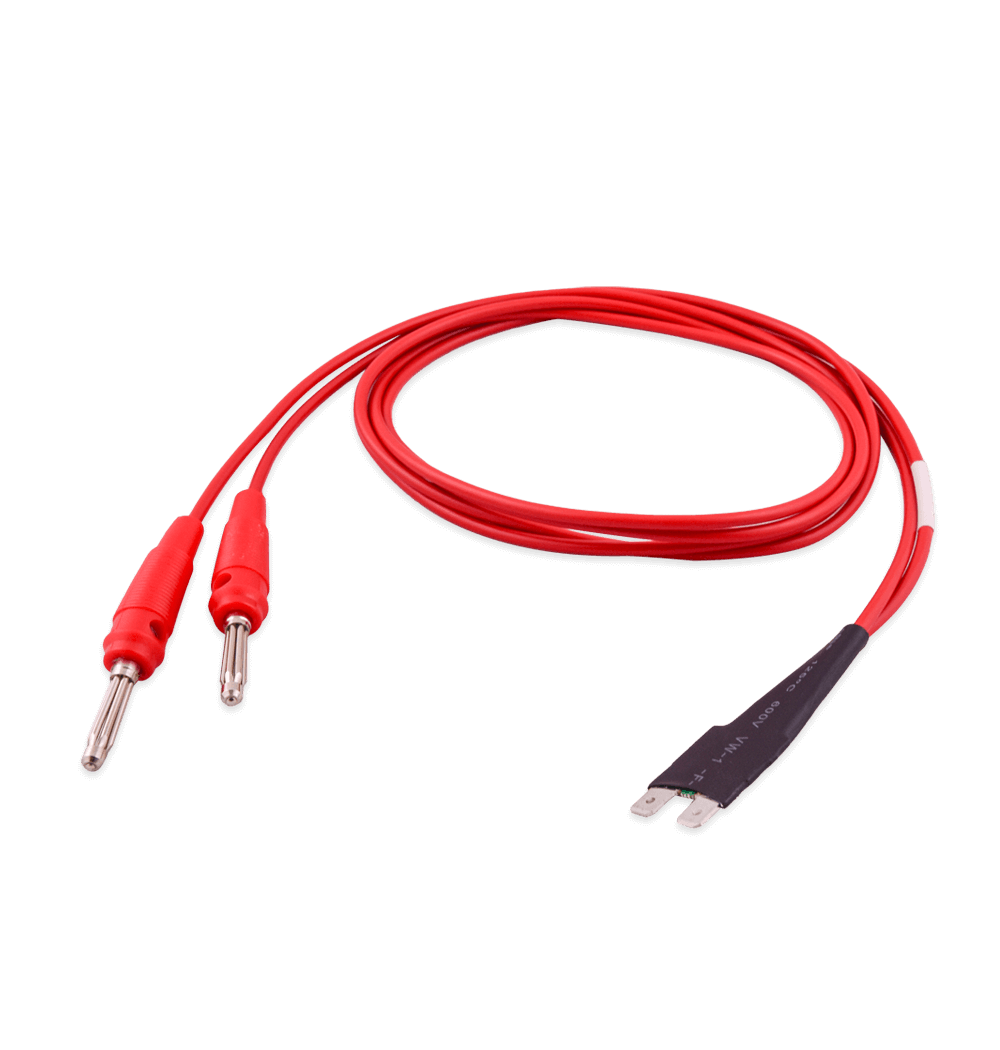
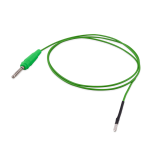
  • CB404 – DS Box FUSE connection cable
  • CB405 – DS Box LIN connection cable
  • CB406 – DS Box CAN connection cable
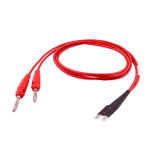
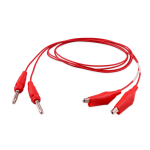
  • CB407 – DS Box Cable with clamp (2 pcs.)

How AVDI Enhances Your Diagnostic Workflow

Discover the powerful features that make AVDI the go-to diagnostic tool for professionals in the automotive industry.
01

Connect AVDI to Your Vehicle:

Quickly establish a connection with any supported vehicle using the provided cables.

02

Run Diagnostics or Program Modules:

Conduct fault code checks, diagnostics, and module adaptations using AVDI’s user-friendly software.
03

Receive Instant Software Updates:

Stay on top of the latest developments with automatic updates directly from ABRITES, ensuring that your diagnostic capabilities are always current.
deco-dots-dark-right

What Professionals Say About Abrites

Trusted worldwide by experts for automotive diagnostic software and tools.
Car shop using Abrites software

We had an amazing experience with this company!

READ FULL TESTIMONIAL

We had an amazing experience with this company!

We highly recommend them to anyone looking for quality products and excellent service.

Abrites client
Specialist scanning a car with AVDI plus software

I have been your client for over 10 years.

READ FULL TESTIMONIAL

I have been your client for over 10 years.

You have a great team, excellent customer service, and the quality of service is at the highest possible level.

Thank you very much, and best regards!

Abrites client
Specialist reading AVDI software

I feel good about the service I received from you.

READ FULL TESTIMONIAL

I feel good about the service I received from you.

ABRITES is a good software, and it does exactly what it promises to do, unlike other machines that claim to provide the best functions but later fail to deliver.

With ABRITES, you get exactly what you’re going to use.

Thank you!

Abrites client